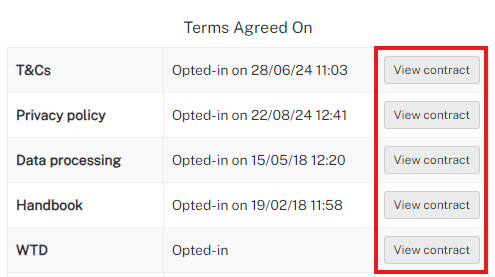
- Go to the Staff profile > Main details > Overview > Terms Agreed On
- Click View Contract to view the contract
- Within your Chrome web browser
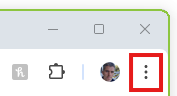
- Click the 3 dots to open the menu
- Select Print
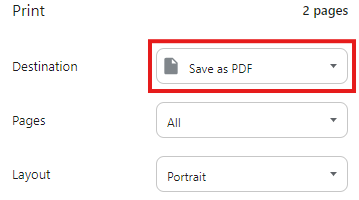
- Select the Destination a Save as PDF
- Click Save

- Select a location on your PC and save the PDF
- Click the 3 dots to open the menu
Was this article helpful?
That’s Great!
Thank you for your feedback
Sorry! We couldn't be helpful
Thank you for your feedback
Feedback sent
We appreciate your effort and will try to fix the article